
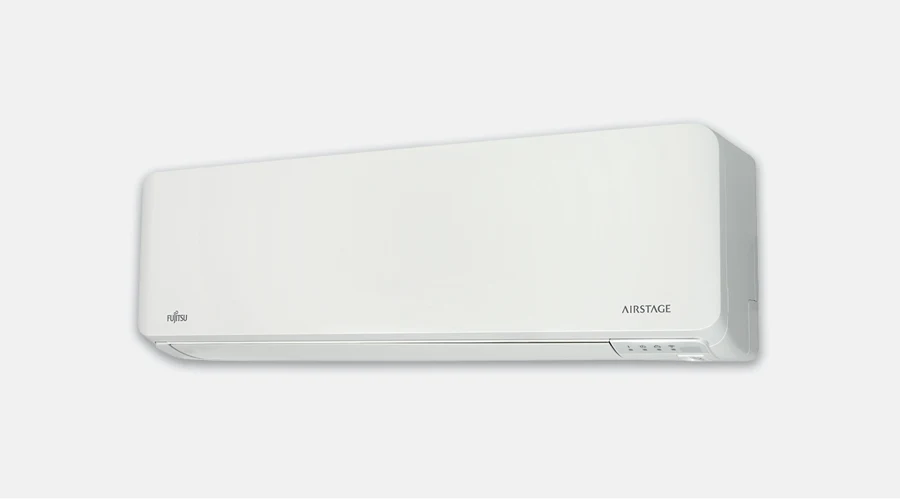
If cool air blows directly onto a chair or bed, check the ordinary fan and air-direction controls before moving equipment. Small user-setting changes are different from altering an outlet or forcing a vane by hand.
Need help before you start? Ask MyTradie for a quick overview of your system.
Before you start
Find the remote’s fan and vane instructions. Confirm which adjustments are supported, because not every unit has the same motorised directions or swing functions.
Step-by-step tutorial
- Record the current setting. Take a display photo and note the occupied position that feels uncomfortable.
- Separate speed from mode. Keep the intended cooling or heating mode selected while locating the fan-speed adjustment.
- Make one speed change. Use a supported setting and observe comfort during normal operation rather than changing several controls at once.
- Use the air-direction buttons. Adjust supported vane or swing positions through the controller only. Do not push moving louvres or insert an object into the outlet.
- Review the room. Check that furniture is not obstructing the outlet and record a useful setting for other household members.
Still getting poor airflow or an uncomfortable draught? Contact our team about the right service or call 0402 155 761.
Check the result
The result should be an understandable comfort setting with no physical parts moved by hand. Keep a short note of which controls changed and whether the draught complaint improved.
Stop and get professional help if needed
If a vane sticks, makes an abnormal noise or does not follow the control, stop the experiment and ask for advice. Do not detach a blade or run the unit with an improvised obstruction.
A common question
Will fan adjustments solve every uneven room?
No. They are normal comfort controls, not a substitute for diagnosing maintenance, distribution or sizing problems. Describe the remaining concern if a simple setting change is not enough.